What It Means to Browse Through Intermediary Servers
Most people don’t think about what happens between clicking a link and a webpage loading. Your browser fires off a request, a server responds, and that’s it.
Except it isn’t always that simple. There’s an entire class of infrastructure called intermediary servers (or proxies, if you prefer the shorter name) that can sit between your device and the website you’re trying to reach. They intercept, inspect, and forward your traffic before it touches the destination. If you work anywhere near IT or data collection, you’ve probably bumped into them already.
What’s Actually Happening Under the Hood
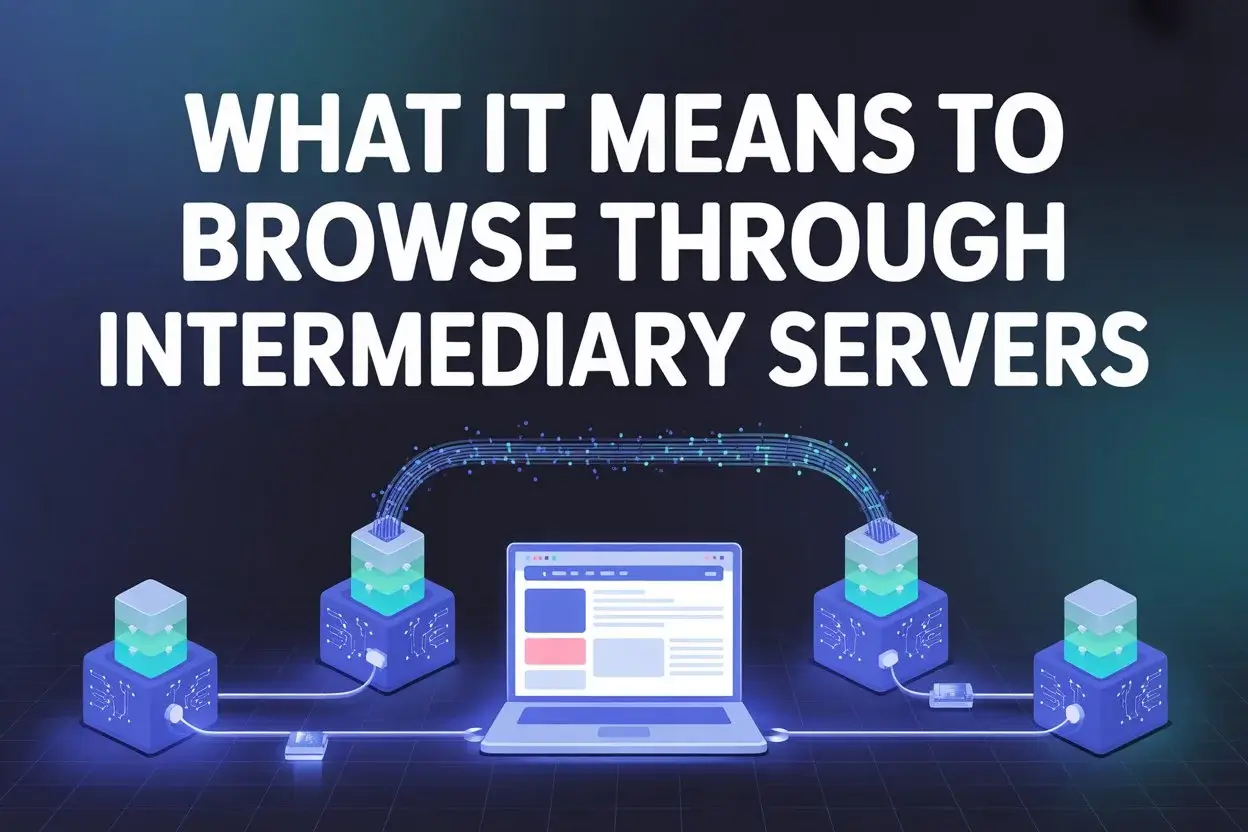
Here’s the basic version. Instead of your computer talking directly to a website’s server, it talks to the proxy first. The proxy takes your request, strips out your IP address, and sends the request along using its own. The website responds to the proxy, and the proxy hands that response back to you.
That sounds like a small thing, but it changes a lot. Companies use this setup to monitor what employees browse at work. Research teams use it to gather pricing data from websites in other countries. Security departments use it to scan incoming traffic for threats before anything reaches the internal network.
You might not even know you’re behind one right now. If you’re curious, you can check if i’m behind a proxy with IPRoyal to see whether your HTTP headers show telltale signs of intermediary routing. It takes about 10 seconds.
What surprised me when I first got into this space is how much modern proxies actually do. They’re not just dumb pipes relaying data. They handle SSL certificates, manage persistent TCP sessions, and compress data streams on the fly. Cloudflare’s engineering blog has a good breakdown of newer proxy protocols like MASQUE, which are making encrypted tunneling faster and more efficient than anything we had five years ago.
Forward vs. Reverse (Yes, There’s a Difference)
This is where people get confused. A forward proxy stands between you and the internet. You set it up on your end (or your employer does), and all your outbound traffic flows through it. Schools love these for blocking social media. Corporations use them to log every URL an employee visits.
A reverse proxy does the opposite. It sits in front of a web server and handles incoming traffic from the outside world. Big sites use reverse proxies to spread traffic across dozens of backend servers, cache pages so they load faster, and soak up DDoS attacks. Wikipedia’s proxy server page covers how reverse proxies also mask the real server architecture from anyone poking around from the outside.
Short version: forward proxies protect the person browsing. Reverse proxies protect the website.
The Privacy Question (It’s Complicated)
People assume that using a proxy makes them anonymous. That’s… not quite right.
A proxy hides your IP from the destination server. That part’s true. But your proxy provider can see everything you’re doing if the connection isn’t encrypted. And modern tracking goes way beyond IP addresses anyway. Browser fingerprinting, tracking cookies, behavioral patterns: none of those care what IP you’re connecting from.
If you actually want privacy, you need layers. A proxy plus HTTPS plus strict cookie settings plus a fingerprint-resistant browser gets you somewhere reasonable. The National Institute of Standards and Technology has published extensive guidance on this defense-in-depth approach to network security.
For corporate use, proxies are less about anonymity and more about control. They give IT teams a single point where they can block malicious domains, enforce acceptable use policies, and catch data exfiltration attempts.
Picking the Right Proxy Type
Datacenter proxies are fast and cheap. They run on commercial servers with serious bandwidth, and response times sit around 50 milliseconds or less. The catch? Websites can spot them pretty easily because the IP ranges belong to cloud hosting companies, not regular ISPs.
Residential proxies use IPs from real home internet connections, so they blend in with normal traffic. They cost more and run slower, but they don’t get flagged nearly as often.
ISP proxies are the middle ground: residential-grade IPs with datacenter-grade speed. They’ve gotten popular for tasks that need both credibility and speed.
What’s Coming Next
IPv6 is opening up a massive pool of new addresses, which means proxy providers can offer way more unique IPs per customer. Edge computing is shrinking latency by placing proxy nodes closer to users. And ML-driven systems are getting better at predicting when to rotate IPs and how to adjust request timing to avoid blocks.
Proxies used to be a niche concern. Now they’re part of the plumbing that keeps modern web operations running. Whether you’re monitoring competitors or testing localized content, knowing how intermediary servers work gives you a real edge.