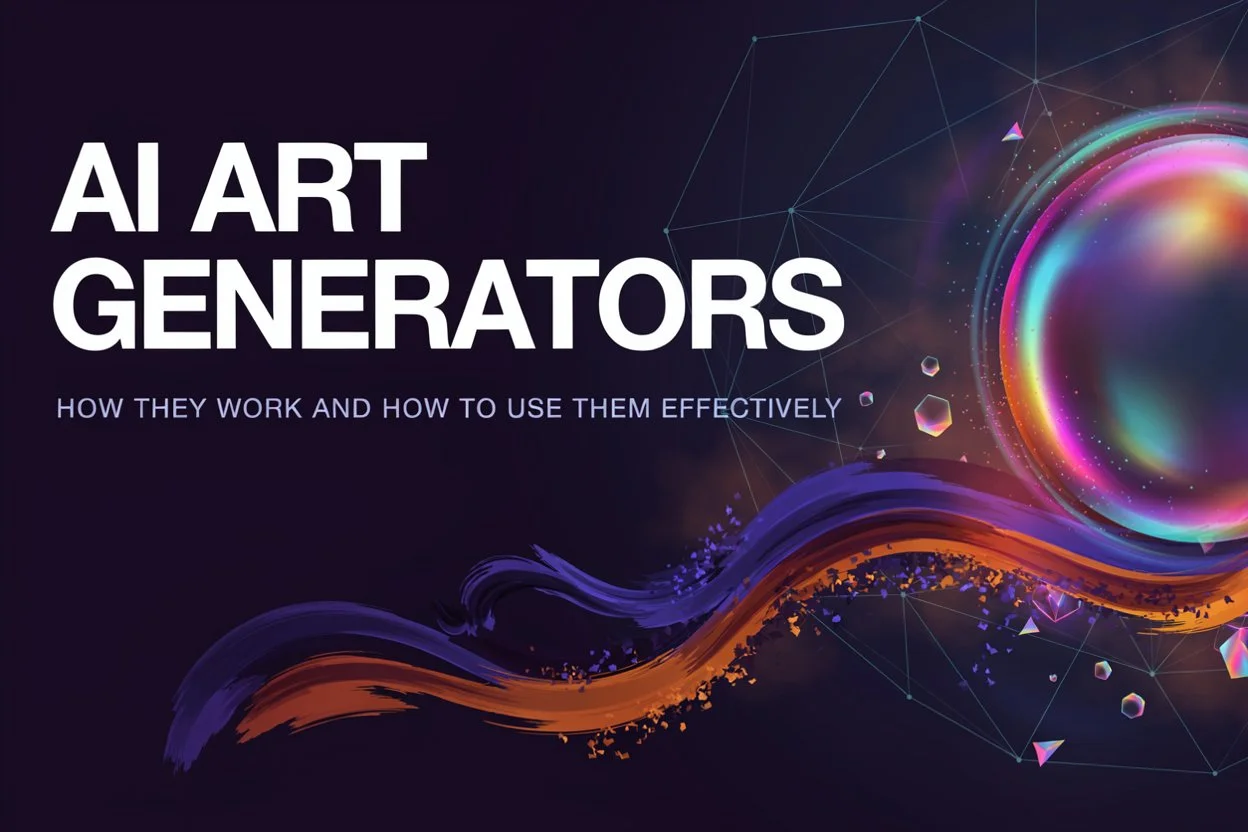
AI Art Generators: How They Work and How to Use Them Effectively
Digital images don’t have to start with a blank canvas anymore. Instead of drawing every element by hand, you can just describe a scene, character, object, whatever’s in your head, and get an image back. Text-to-image generation, it’s called, and it’s turned into a real part of how creative work gets done these days.
Understanding how an AI art generator actually works helps you get more useful results out of it — and honestly, it helps you see where the technology just falls short too. These aren’t digital drawing programs. They’re machine-learning models trained to understand how language connects to visual patterns.
What Is an AI Art Generator?
An AI art generator software that builds visual content from whatever instructions you give it. Could be something short — “a mountain cabin during a winter sunset” — or something way more detailed, covering composition, lighting, perspective, colors, the whole artistic direction.
These systems learn from huge collections of image-and-text pairs. During training, they build up statistical relationships between words and visual concepts. So when you type a prompt later, the system leans on everything it’s learned to produce something matching your description.
How Text Becomes an Image
Feels almost magical, honestly, watching an image appear in seconds. But there’s a lot happening behind the curtain to get there.
First, the system reads your prompt. A text-processing piece converts the words into numbers the image model can actually work with.
A lot of modern systems then run on diffusion. During training, images get progressively buried under visual noise, which teaches the model how to reconstruct them. Generation basically runs that backward — start with noise, refine it over and over, guided the whole time by your description.
The end result gets decoded into a normal image you can view, edit, or drop into whatever project you’re working on.
Why Prompt Quality Matters
How good the image turns out is tied pretty directly to what you actually put in the prompt. A vague instruction leaves a ton of decisions up to the model. A specific one gives it real context to work with.
So instead of just “a city street,” try something like “a quiet city street after rainfall, viewed from street level, with reflections on the pavement and warm lights from nearby buildings.” Big difference.
Prompts that actually work tend to cover:
- Main subject or object
- Environment and background
- Lighting conditions
- Camera angle or perspective
- Color preferences
- Mood or atmosphere
- Desired visual style
It’s usually an iterative thing, too. Generate something, notice what’s missing, tweak the wording, try again. There’s real research into text-to-image creativity showing how much human involvement still matters in picking, refining, and judging what actually comes out.
Practical Uses of AI-Generated Art
AI-generated imagery backs up a lot of different creative work. Designers explore early concepts before locking into a final design. Writers build visual references for fictional settings and characters. Educators put together illustrations for learning materials, and social media creators lean on generated visuals when brainstorming posts or presentations.
Rapid experimentation’s another genuinely useful angle here. Manually creating several visual concepts eats time; an image generator can hand you multiple starting points fast. Makes it especially handy for brainstorming and prototyping.
Generated images don’t always need to be treated as finished artwork, though. A lot of the time they’re just starting points — stuff that gets edited, combined, or refined further by an actual person afterward.
Understanding the Limitations
AI image generation’s come a long way, sure, but it’s still far from perfect. Generated images can end up with distorted anatomy, weird objects, inconsistent details, or text that’s just wrong. Complex prompts can also produce results nobody expected when the requested elements start fighting each other.
Worth remembering, too, that these models learn from huge datasets full of human-created material. Copyright, training data, bias, attribution, appropriate use — researchers, artists, and tech companies are still very much hashing all of this out.
So it’s worth thinking about what an image is actually for before leaning on it too hard, especially when accuracy, originality, licensing, or factual representation actually matters.
AI Art and Human Creativity
AI-generated imagery doesn’t take human creative decisions out of the equation. People still figure out what they’re trying to say, build the prompts, pick the results worth keeping, fix what’s broken, and decide how the image fits into whatever bigger project it’s part of.
Really, AI image generation’s better understood as a creative technology in its own right, not some automatic stand-in for traditional artistic methods. A generated image might give you inspiration or a foundation to build on — but human judgment’s still doing the heavy lifting throughout the process.
The Future of Image Generation
As generative AI keeps developing, image creation’s probably going to get woven even deeper into broader creative software and digital workflows. Better prompt understanding, more consistency, tighter editing and control — all of that could make it a lot easier to produce visuals that genuinely match what a creator actually had in mind.
For anyone using this stuff, the most useful thing is understanding both sides — what it can knock out fast, and where human review’s still non-negotiable. With thoughtful prompting and careful editing on top, AI-generated imagery becomes just one more tool for exploring visual ideas and getting concepts across in a digital space.